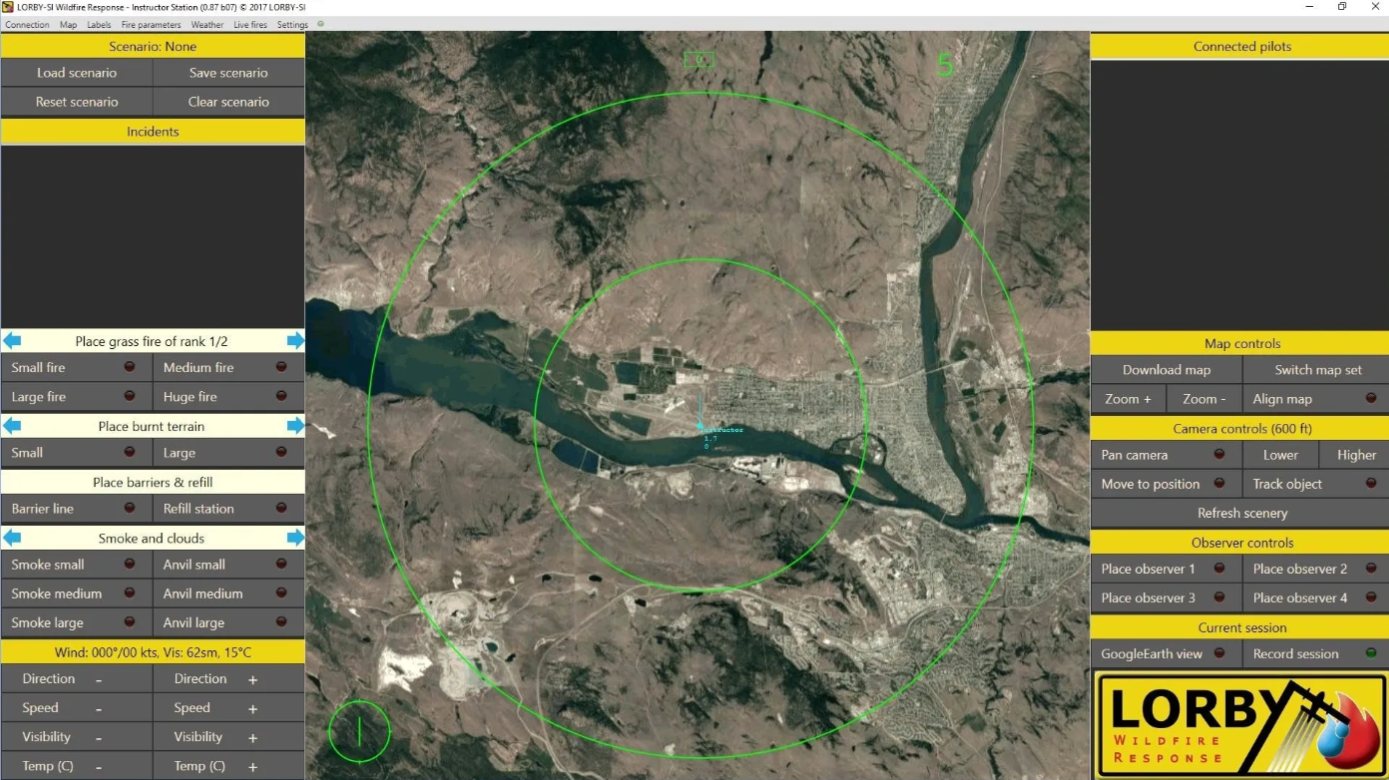
Instructor Station
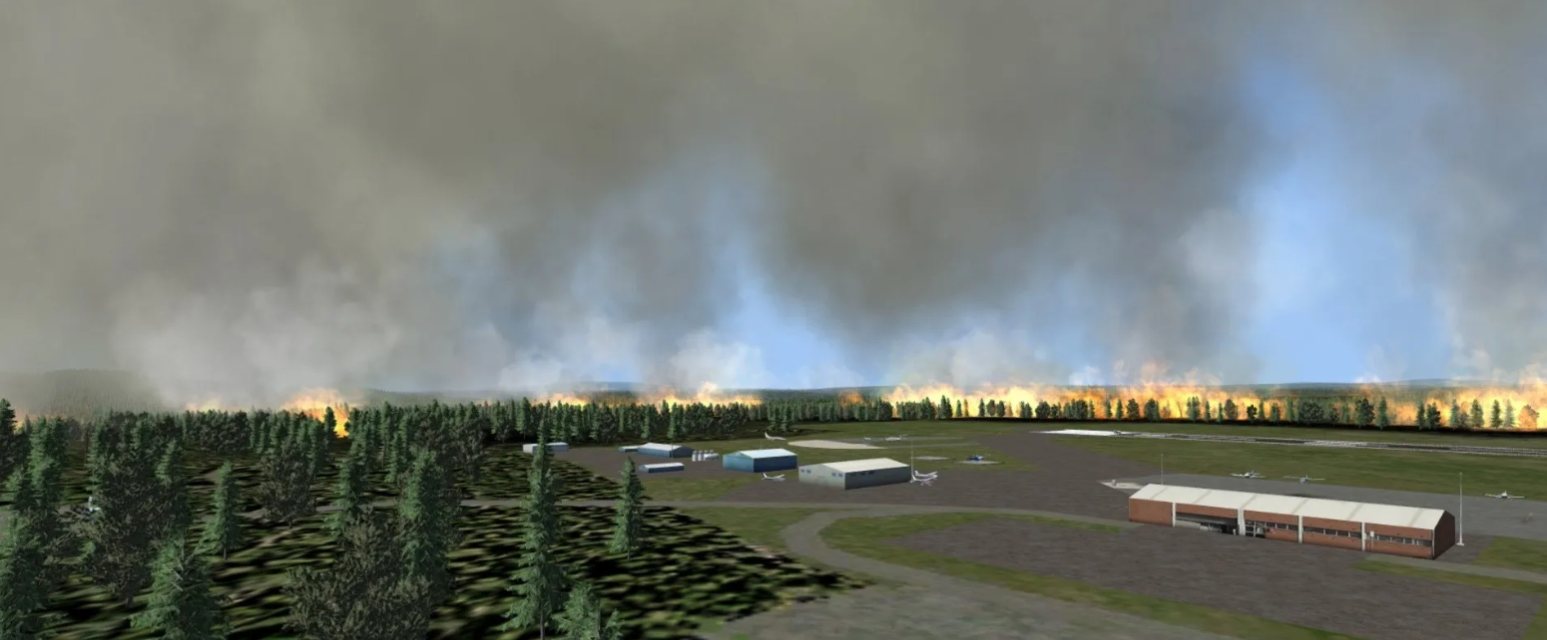
Build the scenario on real terrain. Change fire, weather and visibility while crews are flying it.
Aerial wildfire simulation built by an Air Attack Officer: the Lorby Wildfire Response platform, Lorby Comms and full-mission simulators.
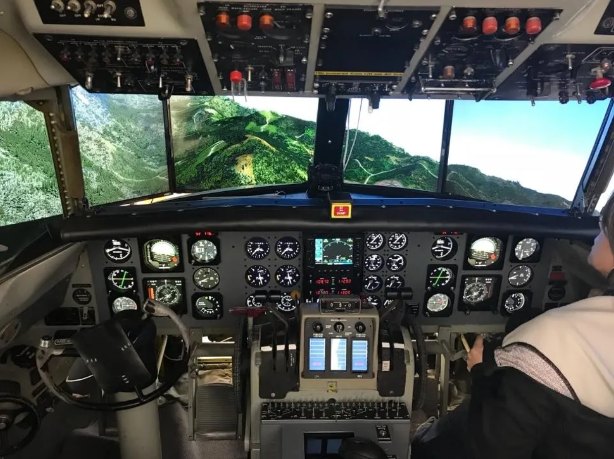
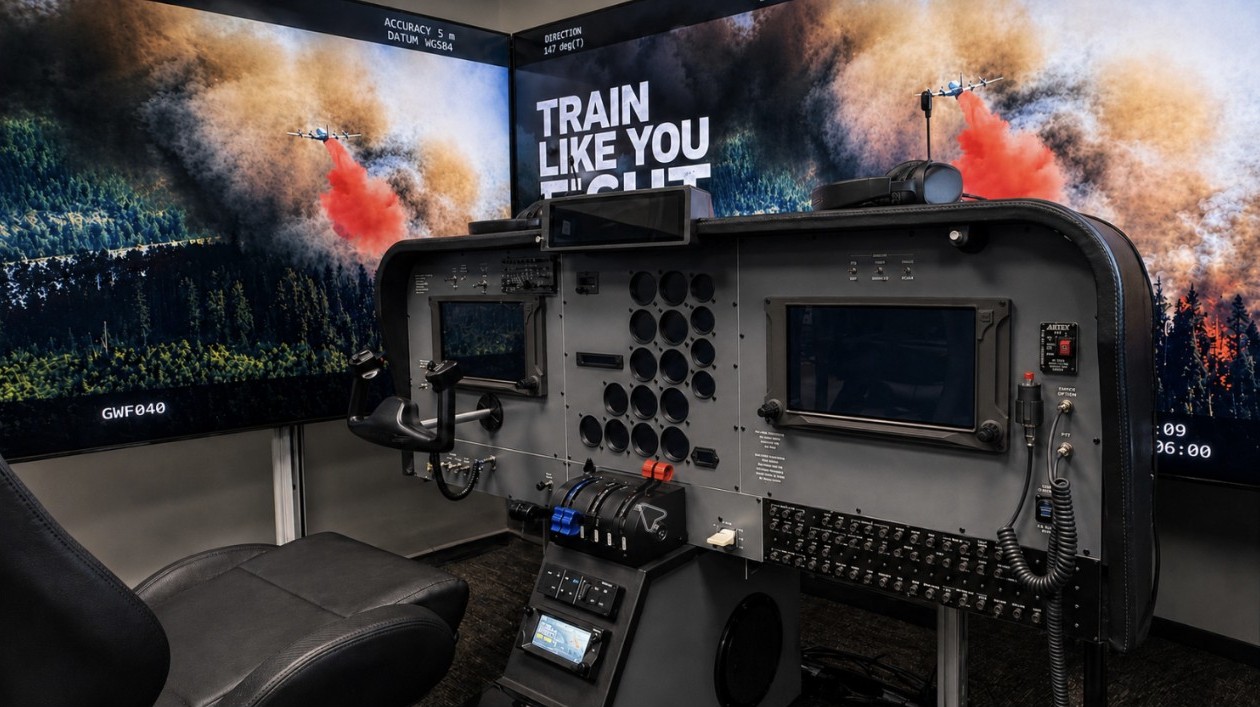
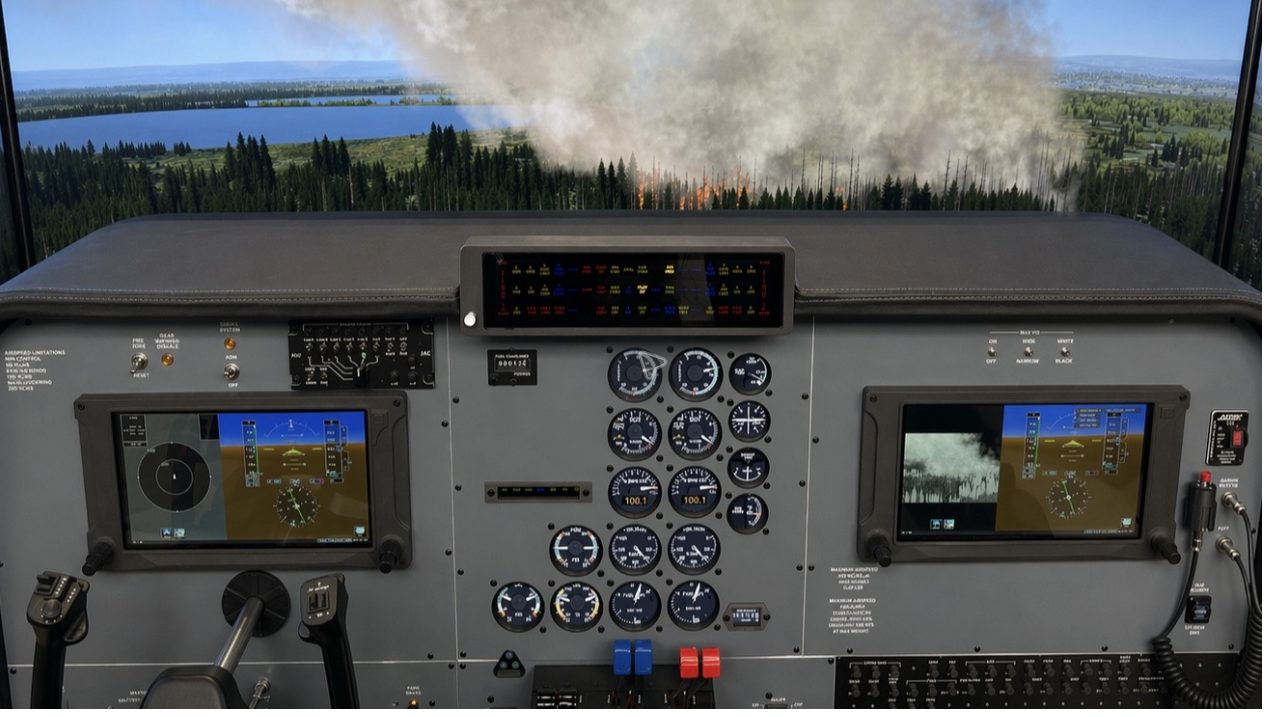
A full TC695 cockpit inside wraparound screens, with two role-player stations behind it. The cockpit, the radios, the displays and the way information reaches the Air Attack Officer all follow the real aircraft.
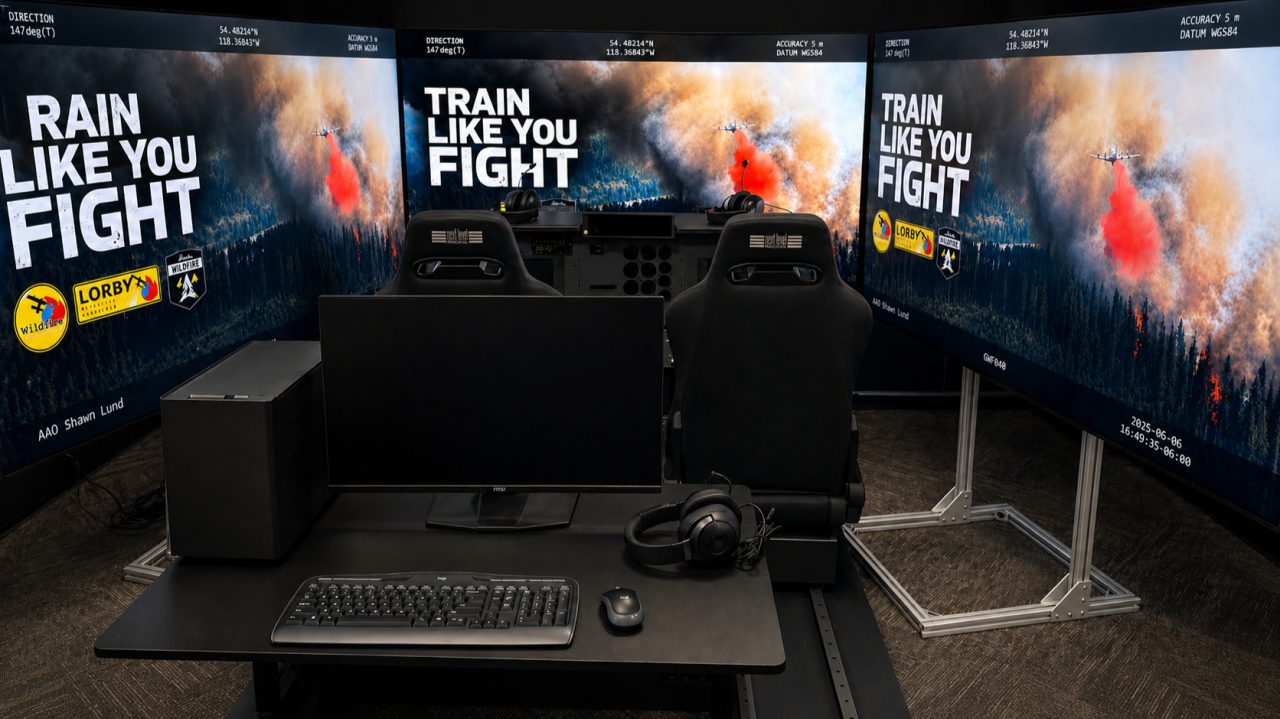
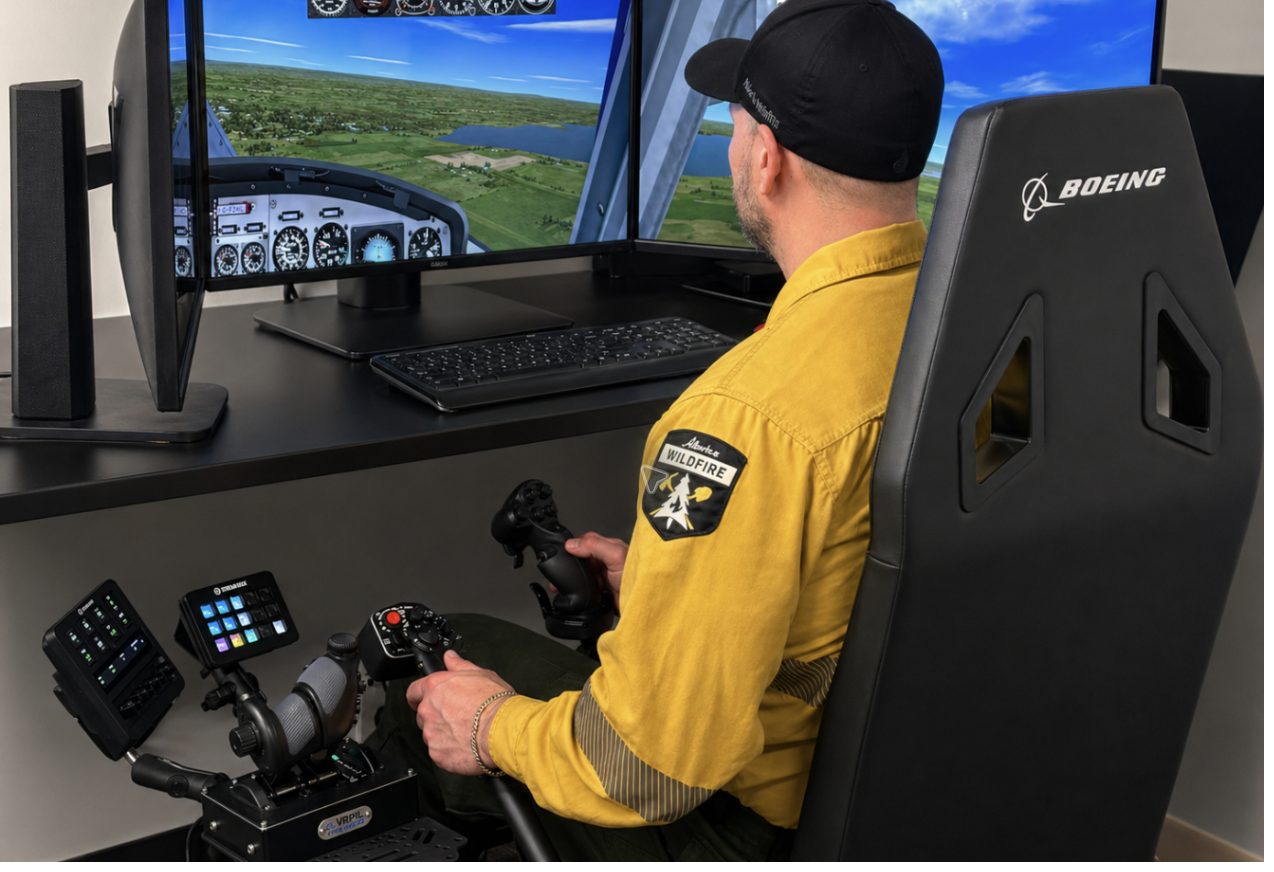
“We know what it's like to manage aircraft over a fire, make decisions under pressure, and rely on good training when things are moving fast.”Shawn Lund, Air Attack Officer and CEO
Shawn Lund started on initial attack crews in 1988 and spent nearly two decades in aviation safety and Air Attack with the BC Wildfire Service. He founded Wildfire Training Solutions in 2017 and still flies as a contract Air Attack Officer in Alberta.
Everything WTS builds aims for one thing: less negative training. If it is part of the real job, it works the same way in the simulator.
Check-ride figures as reported by Helisimmer, March 2017.
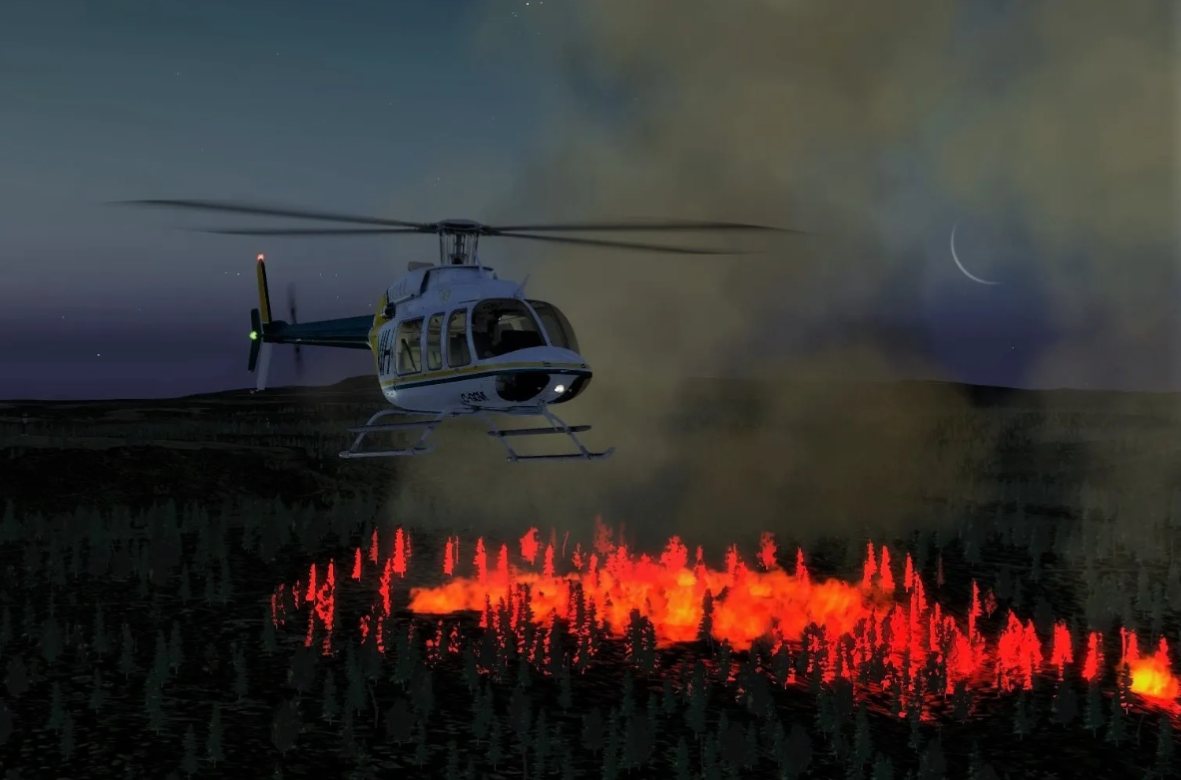
Lorby Wildfire Response works in real time with Prepar3D. The instructor builds and controls the incident, every simulator and role player joins it over the network, and the class debriefs it together.
Build the scenario on real terrain. Change fire, weather and visibility while crews are flying it.
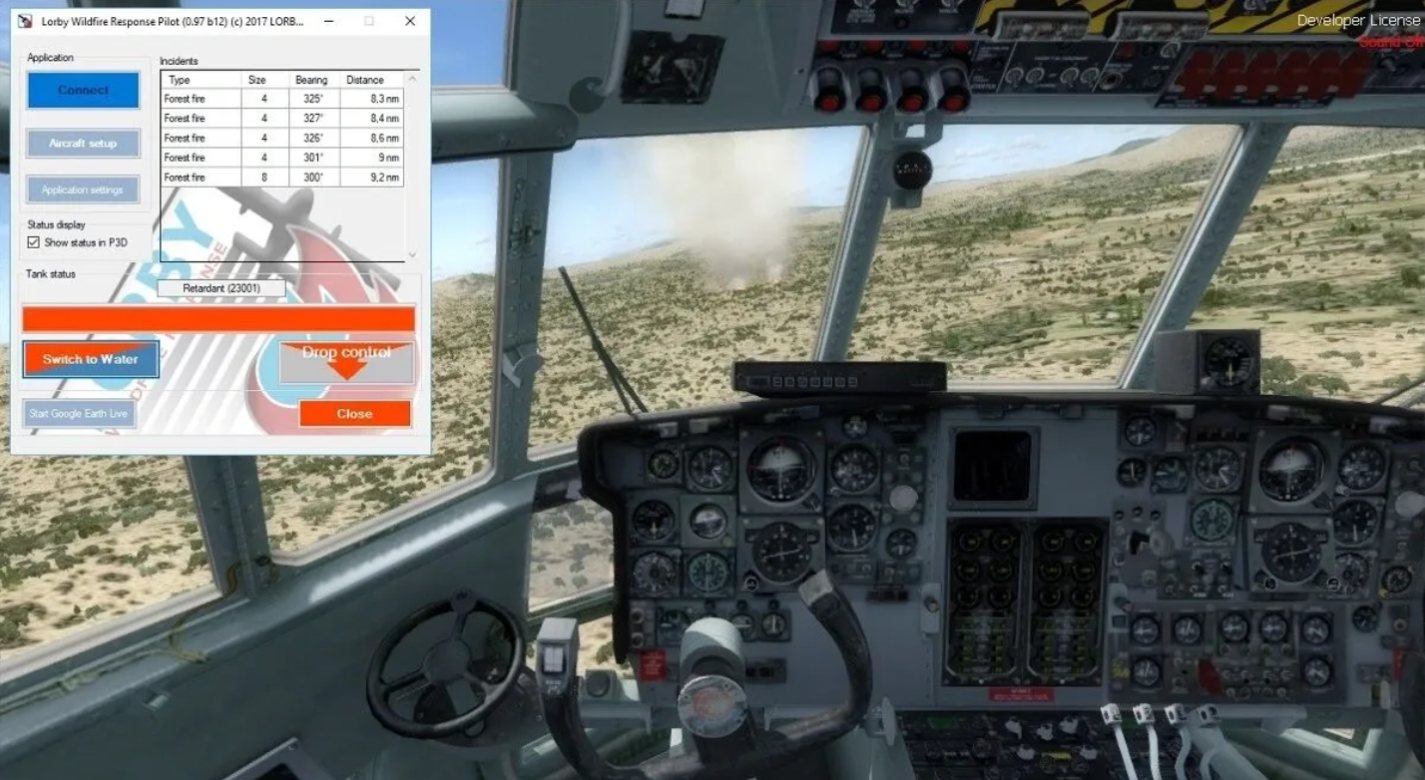
Connects each simulator to the fire: loads, retardant or water, drop rates and real weight shift on release.

Watch the mission live, then replay the flying and the radio together. Brief, simulate, debrief.
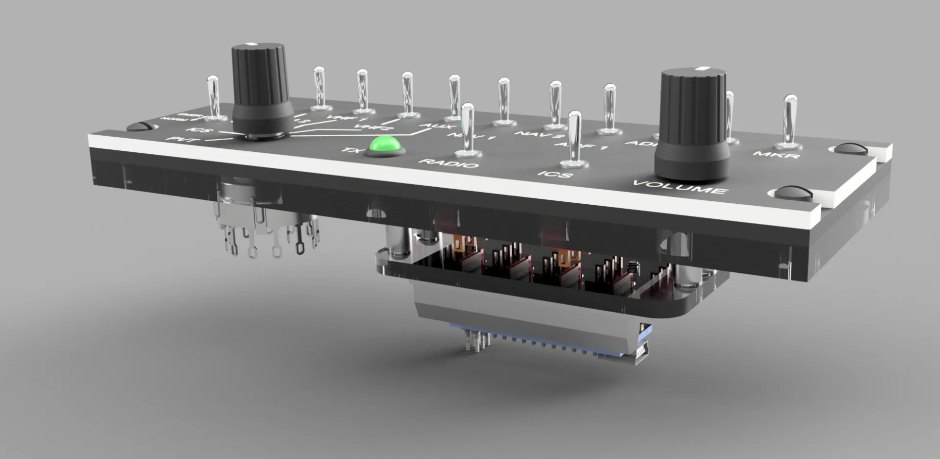
Over a fire with several aircraft, the radio is how the operation stays safe. Lorby Comms puts real radio panels on every seat of the simulation, so crews practise the calls, the switching and the discipline before they need them.
Video: a tour of the real Lorby Comms software. The Server on the instructor station and the seats connected to it; the Client at each seat with its mixer box, COM 1 and COM 2, TFM-138 and satellite phone panels; recording and Mark position on the Server; and the Player replaying from a marker.
Runs once, on the instructor station. Every radio call passes through it, and it can play background radio traffic to raise the workload.
Simulators, role players and tablets run a client with the aircraft's panels: audio control panel, COM 1 and 2, dual TFM-138 with guard, and a satellite phone.
The server records all channels. Mark moments during the mission, then jump to them in the Player and listen to one channel or all of them.
A standard tanker check-in with the bird dog. Simple on paper, hard with four aircraft stacked over a fire.
Bird Dog 63, Tanker 678, five minutes back from the west, at 5,000.
Tanker 678, 30.30 on the altimeter. Cleared in at 4,500, number one.
Bird Dog 63, Tanker 681, five minutes back from the west, at 5,500.
Four benefits that show up in every training week. Simulation never replaces the aircraft; it makes the time in it count.
Crews rarely share a cockpit outside check rides. In the simulator they hear each other work, and a good technique spreads across the group in a week.
Role-play the tanker pilot and you learn why a short fire briefing at "five minutes back" matters so much to the crew arriving overhead.
After an actual fire, fly the same mission again to lock in what worked and fix what didn't, even on days with no fires or flying.
The simulator shows who is ready for the multitasking before anyone is put in a high-consequence aircraft.
When a program needs hardware that isn't sold, we design it in CAD, machine it in our shop and connect it to the platform.
Recorded straight from the platform. All videos on YouTube
Tell us what your crews fly and how they train. We will show you Lorby Wildfire Response, Lorby Comms and the cockpit options that fit your program.