Train like you fight.
Lorby Wildfire Response and full-mission simulators for aerial wildfire training, designed by Air Attack Officers.
One platform runs the fire. Every seat fights it.
Lorby Wildfire Response is a networked, multi-user application that works in real time with Lockheed Martin Prepar3D. Three modules build, fly and debrief the mission; Lorby Comms and Lorby FLIR add the radio and the sensor.
- In service
- Alberta Wildfire, Hinton Training Centre
- Engine
- Lockheed Martin Prepar3D, realistic terrain worldwide
- Join from
- The sim room, or anywhere with an internet connection
Take full control of the scenario.
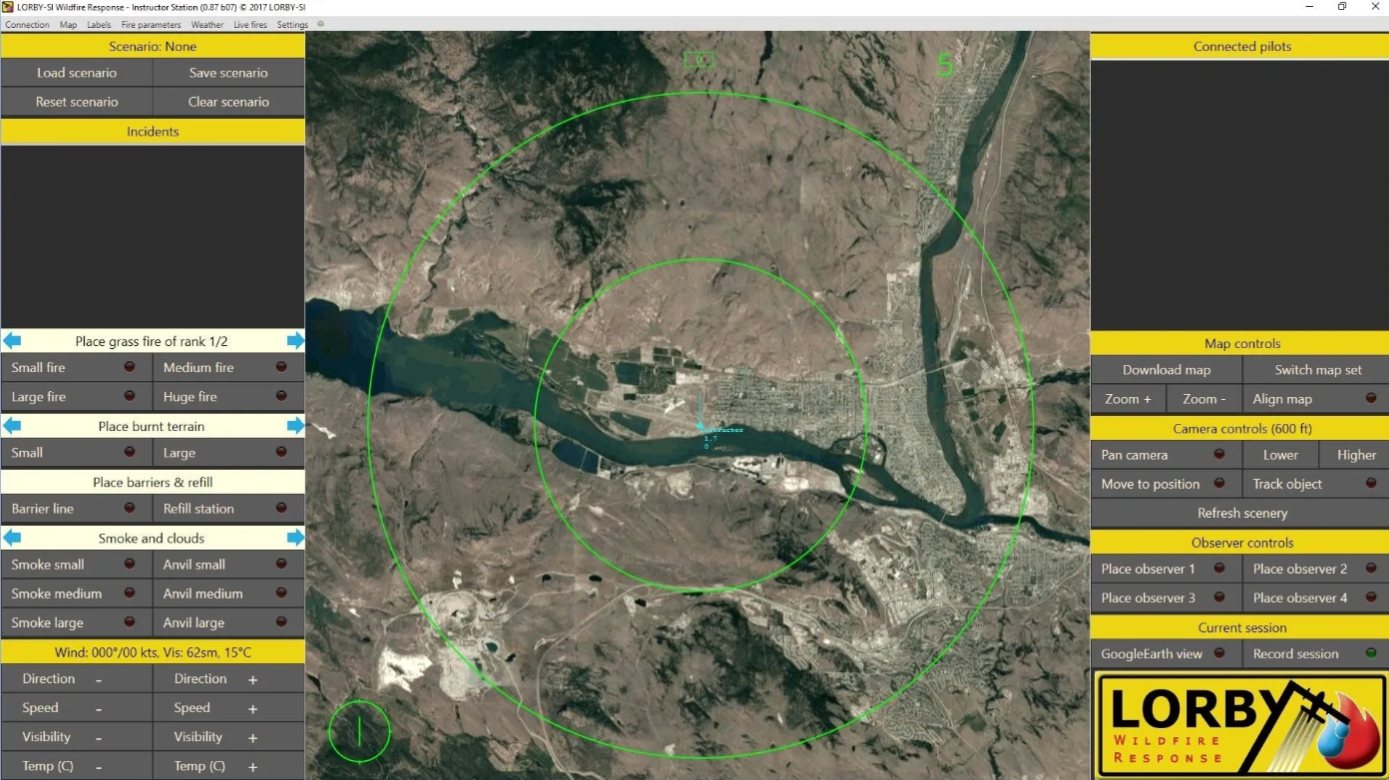
Control every part of the incident and watch it unfold from any vantage point. Google Earth imagery becomes the 2D sandbox, and Prepar3D's terrain matches it closely. Save a scenario and run it again, with a different outcome each time.
Control the fire
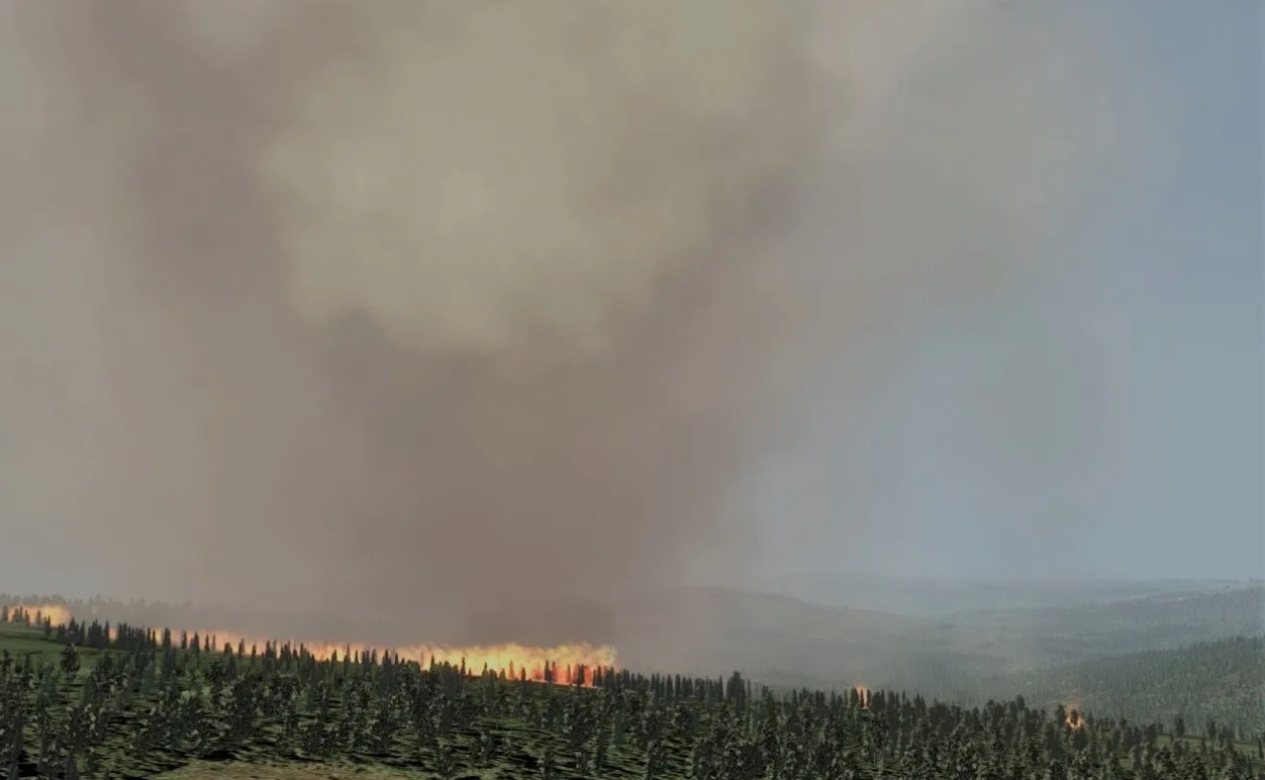
Create fires and set their size, intensity and growth. Add spot fires outside the retardant line, or divert to a new incident mid-scenario.
Control the weather
Change wind, visibility and temperature live. Hazards are not only the fire: place tall snags and towers that crews must spot.
Connect with everyone
Anyone with a computer that runs Prepar3D and the Pilot module can join the Instructor Station server.
Add scenery in real time
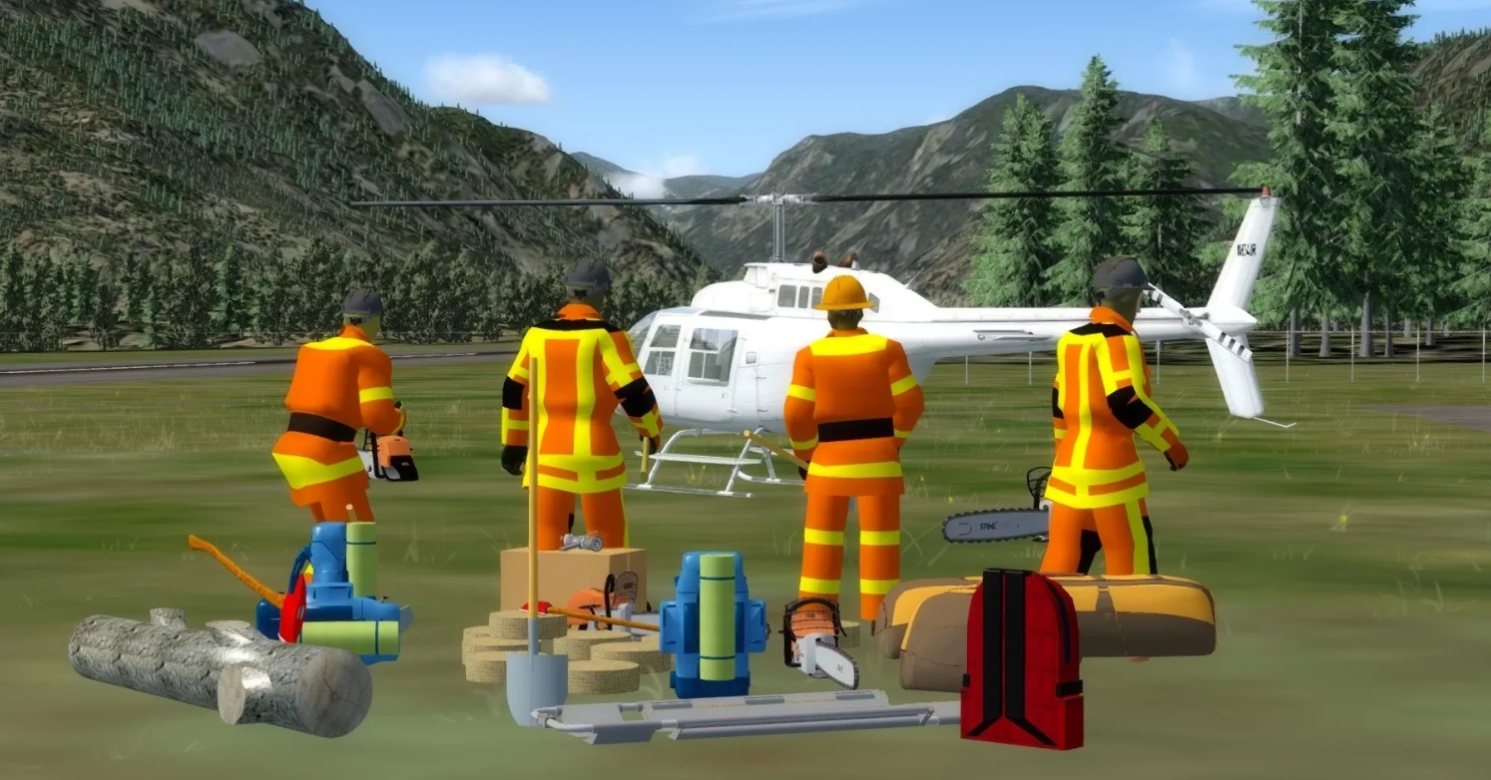
Vehicles, crews, equipment and refill stations, static or moving. Animated heavy equipment and A.I. aircraft fill the airspace.
Observe everything
Set multiple views around the incident, static or following a specific aircraft, and record the session.
Sim and map markers
Smoke bombs mark key terrain features in the sim; map markers keep a complex, unfolding incident manageable.
Your connection to the fire. It feels right.
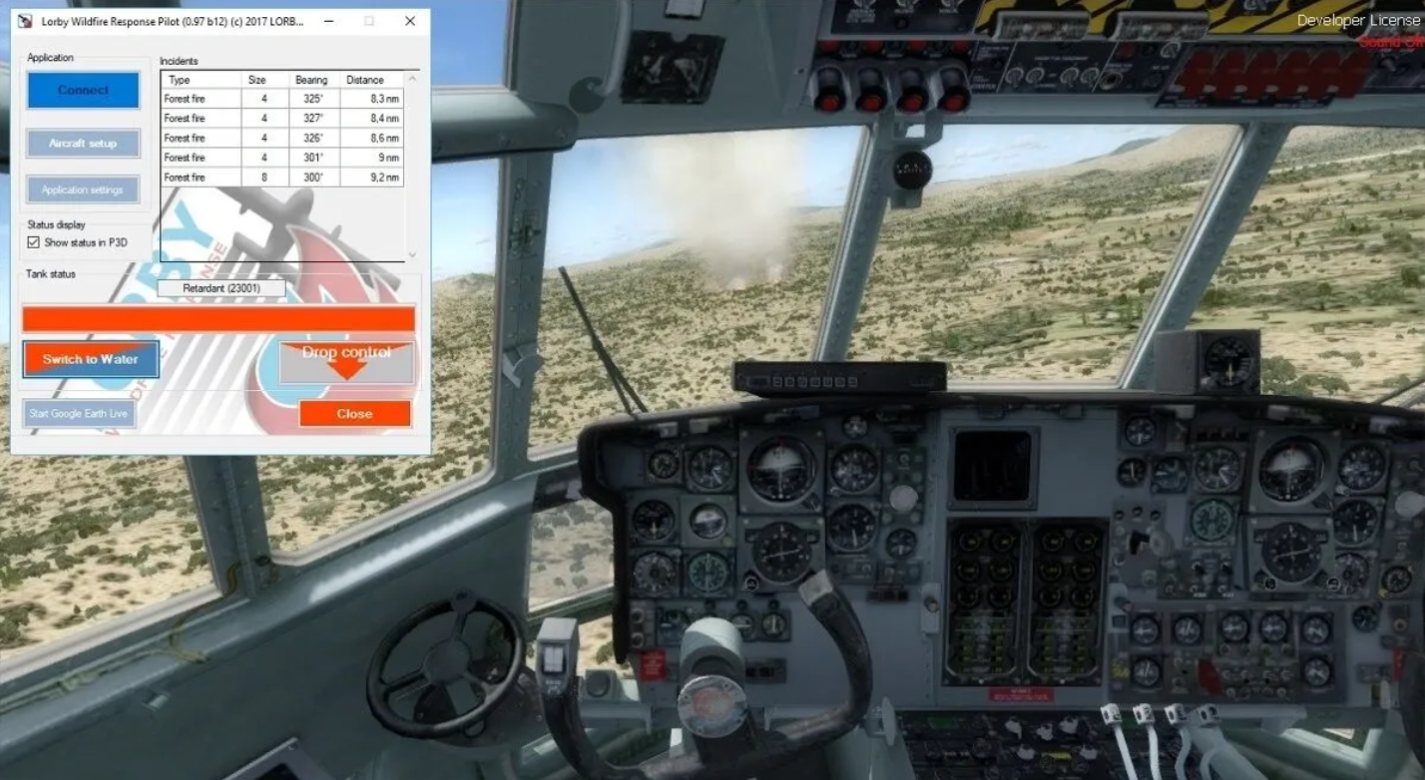
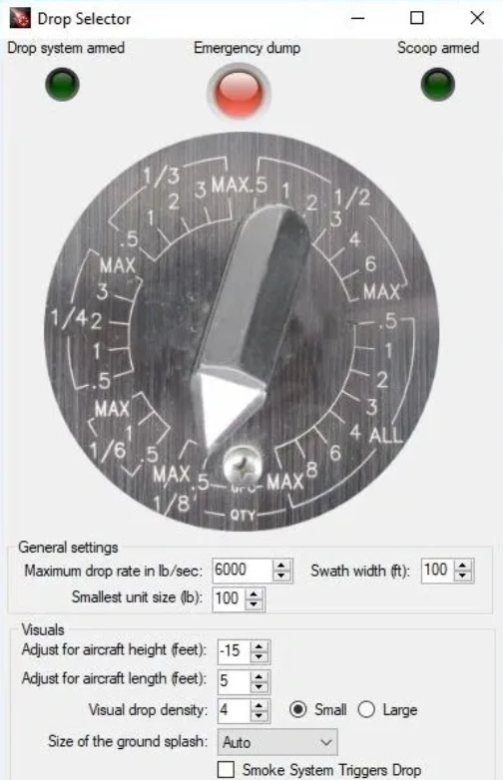
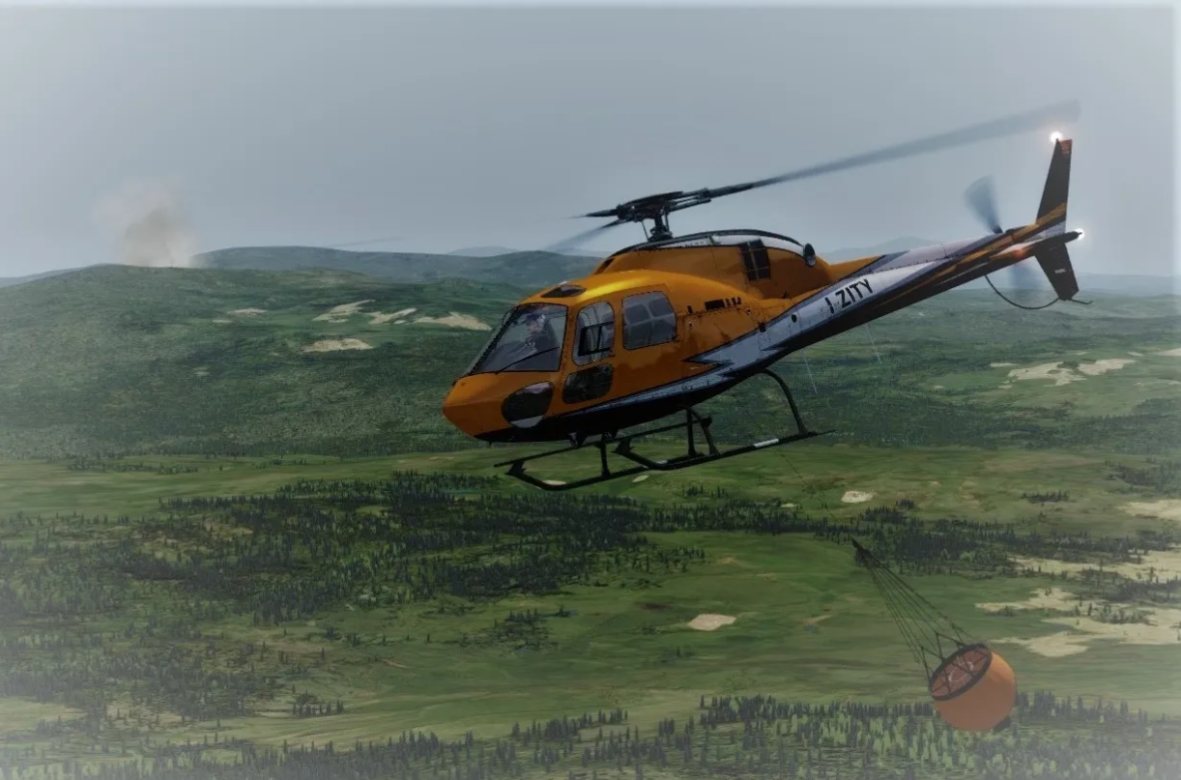
LWR Pilot connects each simulator to the Instructor Station and sets the aircraft up for the mission: external loads, retardant or water, drop rates, weight and balance, with custom gauges for drop control, radar and scenario location.
Real-time weight shift
The aircraft reacts when the load releases, the way it does in the real aircraft.
Weather that fights back
Low visibility, turbulence over the fire, and up and down drafts the instructor can place anywhere.
Bomb tank and drop controls
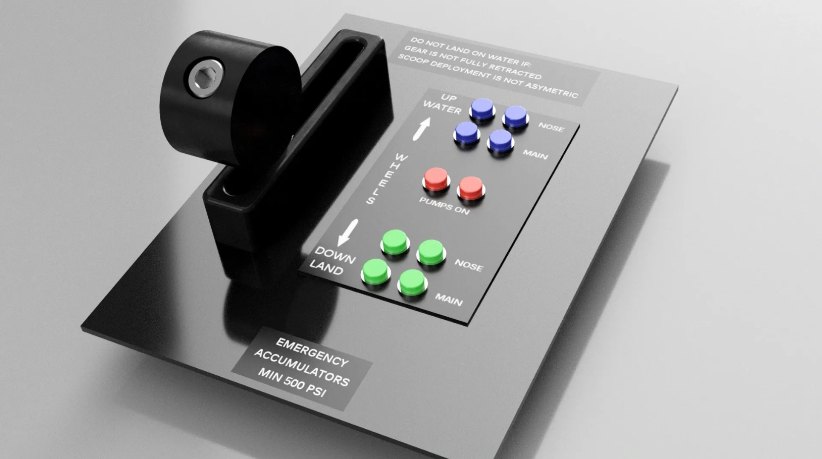
A hardware interface for the tank and drop controls, so crews use their hands, not a mouse.
Extreme fire behaviour
Fire that crowns, spots and runs, so crews practise against conditions they will meet on the line.
Dynamic lighting
Fire and vehicle lights for night operations, optimised for performance.
Learn and teach together
Every seat flies the same incident, so crews learn from each other while they train.
Brief, simulate, debrief. Then do it again, better.
The fireline is not the place to test new tactics. LWR Classroom shows the mission live on external views and GPS tracking in Google Maps, then replays the flying and the radio together.

- 01 BRIEF
Set the incident
Load a saved scenario or build one on real terrain, and brief every crew before launch.
- 02 SIMULATE
Fly it together
Aircraft and role players work the same fire on Lorby Comms while the instructor changes conditions.
- 03 DEBRIEF
Learn from mistakes
Replay the flying and the radio traffic, jump to marked moments, and see what worked and what didn't.
Communication is the key. Try it.
Lorby Comms puts IP voice on simulated radios, modelled on the systems most wildfire agencies use. Every seat on the network has its own radios, and only the seats tuned to a channel hear you. Pick a radio on the audio panel and press to talk.
Hold the button, or hold the space bar while it has focus.
Record the incident. Debrief from a marker.
The Lorby Comms server records every channel. Drop markers during the mission, then jump straight to them in the LC Player.
Less is more
Painting a clear picture with as few words as possible takes practice. Lorby Comms gives crews a safe place to get it.
Start simple
Configure the radios to be as simple or as complex as the lesson needs, with your own channel identifiers.
Lorby Jukebox
The server plays radio traffic across the network. Turn up the rate to raise the workload on the incident.
Runs on a tablet PC
Show only the radios a seat needs. Not every role player needs the full communication system.
Real hardware
Lorby Comms talks to Arduino microcontrollers and drives the audio and radio panels found in airtankers and bird dogs.
Beyond wildland fire
A standalone product with no other software required, for any operation that trains on radios.
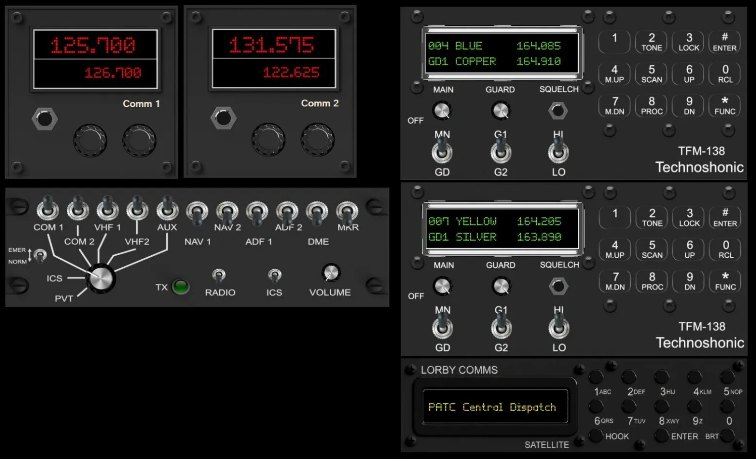
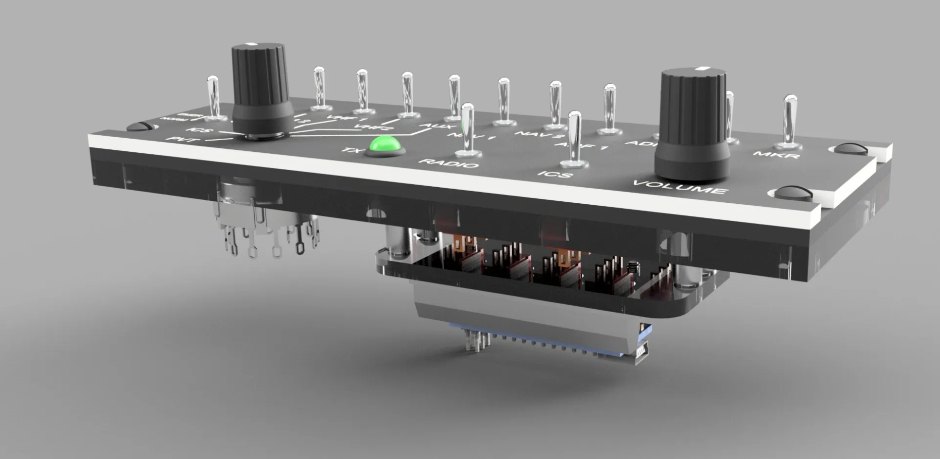
Demo above is illustrative. Channel labels come from the Lorby Comms panels; frequencies are sample values.
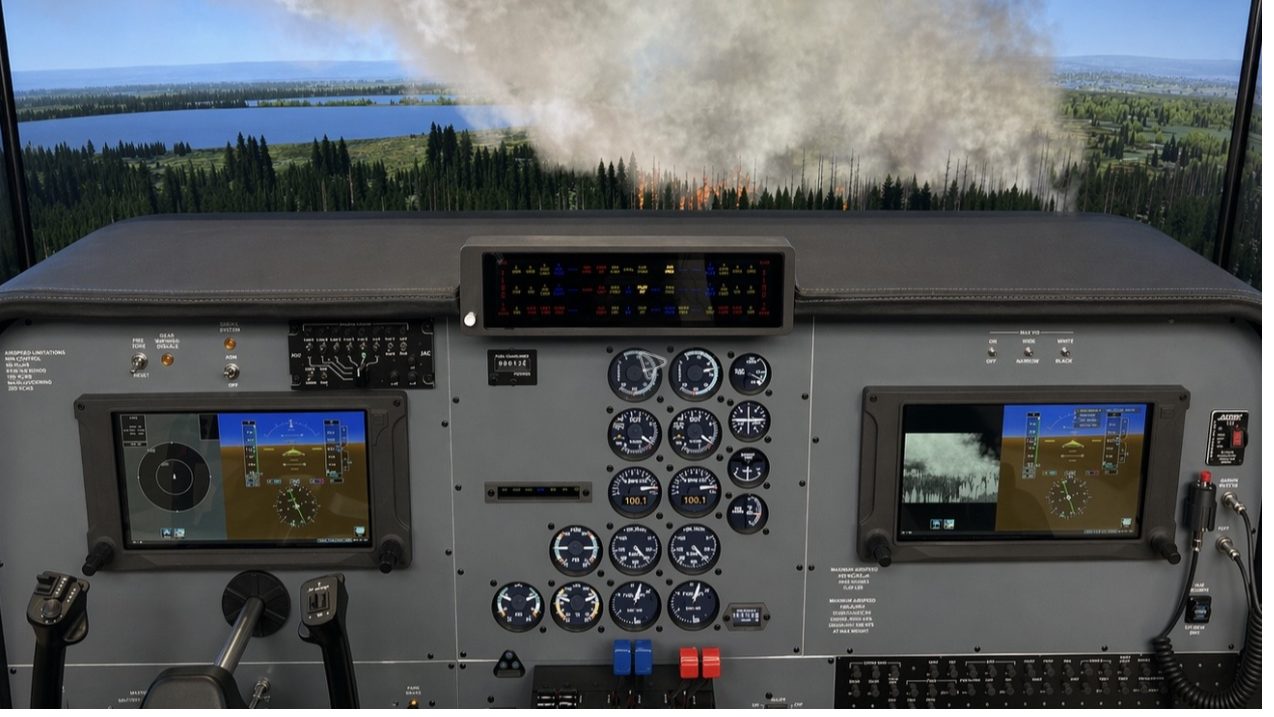
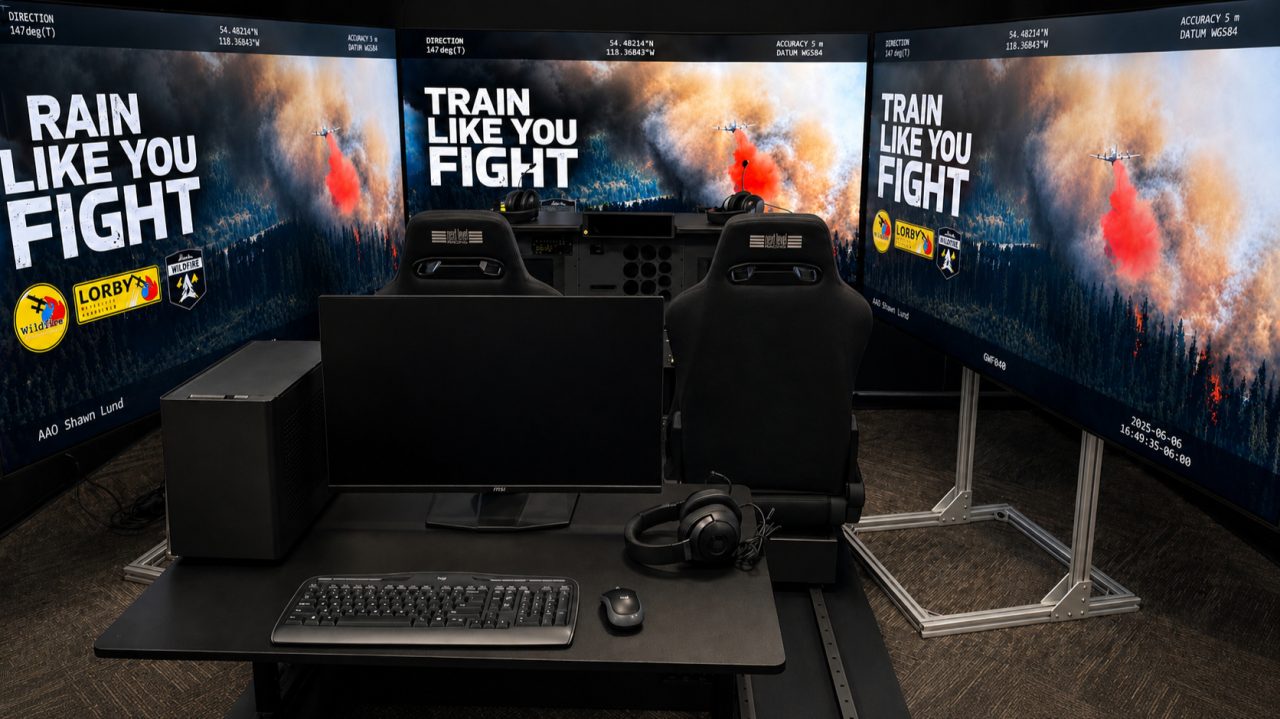
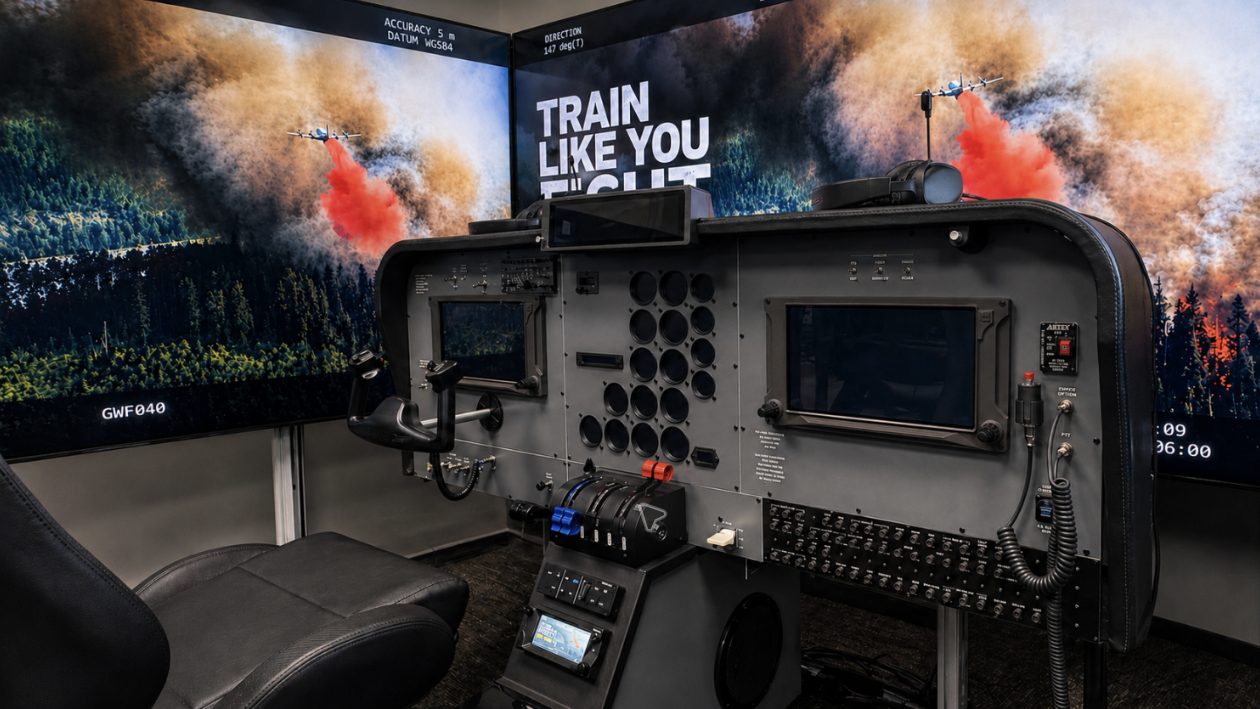
Alberta Wildfire: an Air Attack simulator that works like the real aircraft.
The rule for every part of the build: if it is in the real operational workflow, it works the same way in the simulator.
What we built
A TC695 cockpit with custom engine gauges, our own Garmin G600 software with FLIR and TCAS integrated, a dual-seat radio and intercom, and two role-player stations designed for long training days.
- Aircraft
- TC695 (Air Attack)
- Avionics
- Custom G600 software, FLIR, TCAS
- Platform
- Lorby Wildfire Response LWR
- Comms
- Dual-seat radio + intercom, Lorby Comms
- Status
- Complete, 2026
Alberta Wildfire
Rebuilt on modern hardware
Light helicopter
Observation and HLCO training
“We know what it's like to manage aircraft over a fire, make decisions under pressure, and rely on good training when things are moving fast.”
Train with the tools you use.
Muscle memory comes from doing, not pretending. When the hardware a program needs isn't sold commercially, we design it in CAD, machine it in our shop and connect it to Lorby Wildfire Response.
- CAD design
- CNC router and mill
- 3D printing
- Welding and fabrication
- Electronics and Arduino
- Rapid prototyping
See the platform in action.
Videos and screenshots from Lorby Wildfire Response and our simulators. Videos open on YouTube.
A tour of scenario building and live control.
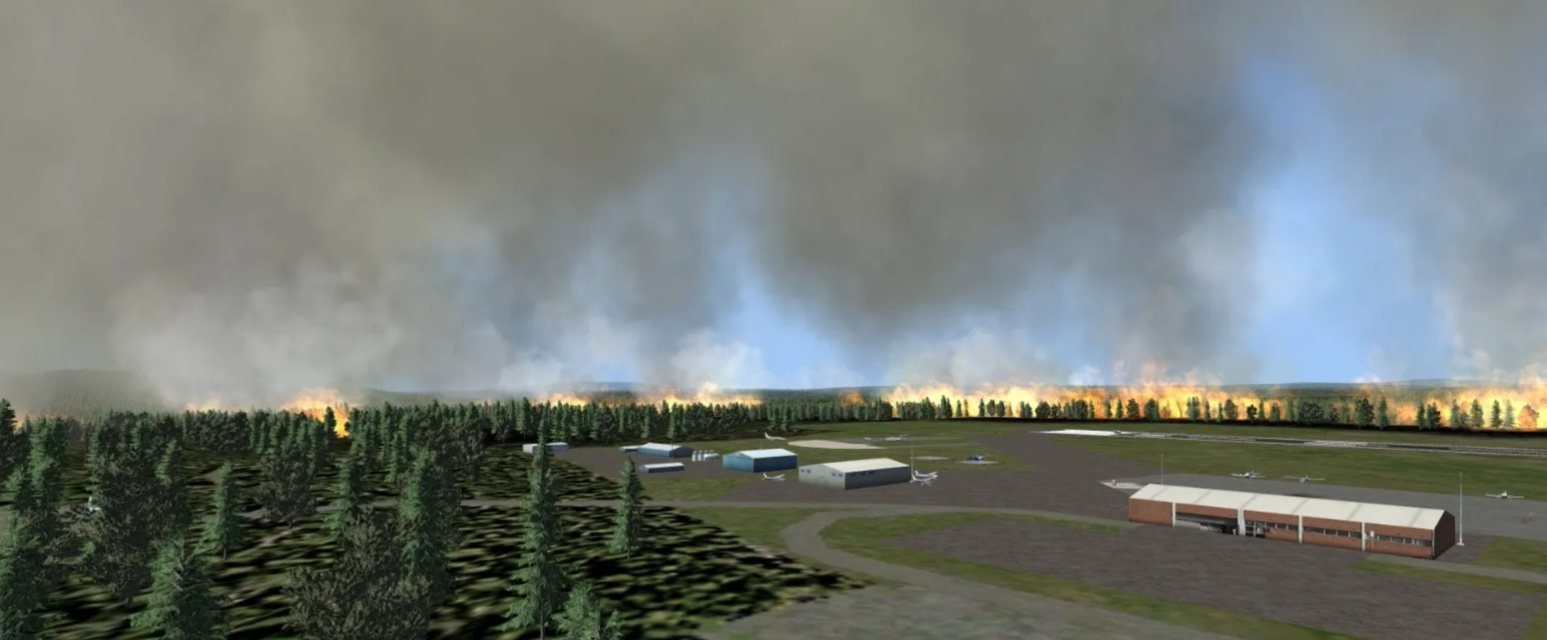
Fire that runs, crowns and spots.
The pilot module and the simulated FLIR.
A recorded multi-aircraft session played back.
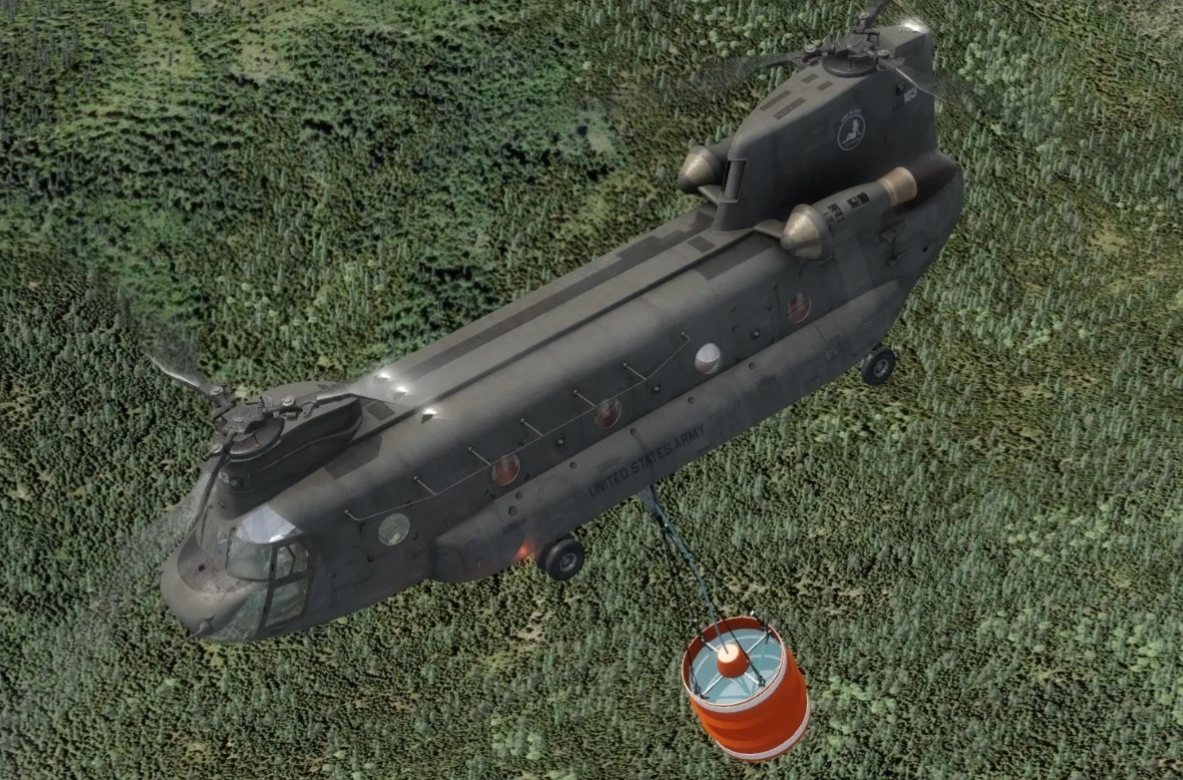
Traffic that fills the fire's airspace.
Ground resources working the fire.
Gallery
A small team with operational depth.
Founded by Shawn Lund, an Air Attack Officer. Over 30 years of wildland fire experience, including 15 in fixed-wing Air Attack and Helicopter Coordinator roles, and 30 years of software and project delivery.
Simulators, hardware, training programs and support.
Owns and sells LWR, Lorby Comms and Lorby FLIR.
Develops and supports the Lorby software with our team.
Air Attack simulator; LWR at the Hinton Training Centre.
What will your crews train on?
Pick what applies and we will shape the demonstration around it. Copy the request and send it, or call us.
Select what your crews fly and train on.
- Phone
- (778) 538-3473
- Office
- 266 Montego Road
Kamloops, BC V2H 1N1